Affiliate disclosure: TeckAtlas is reader-supported. If you buy through links on this page, we may earn a commission at no extra cost to you. Learn more.
Last updated: 10 October 2026. Prices change often, so always check the current price before you buy.
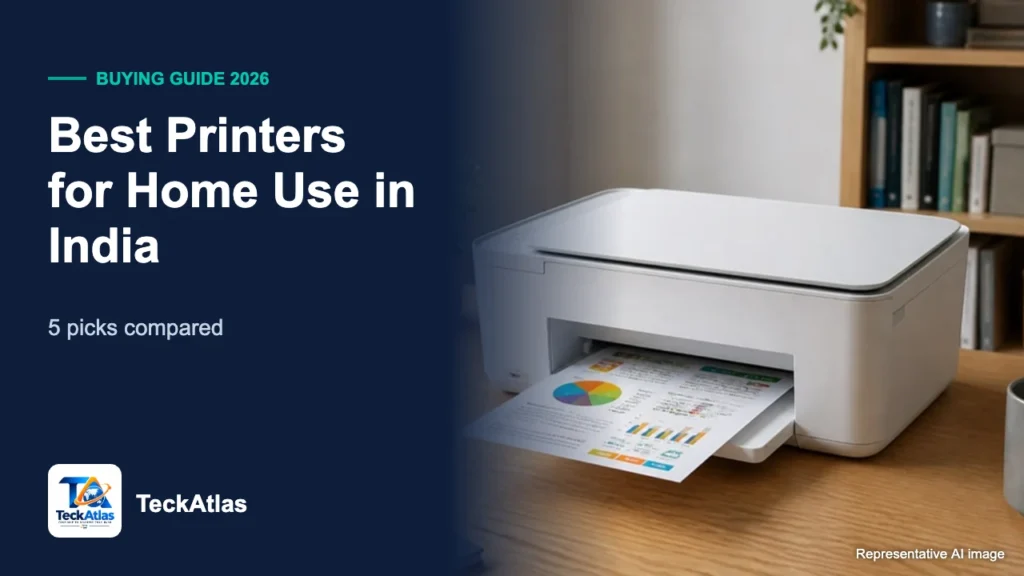
Looking for the best printers for home use in India? For school projects, office documents and the odd photo, a home printer saves trips to the print shop. Ink tank printers have made colour printing much cheaper per page than old cartridge models.
We compared five home printers on Amazon.in: four ink tank models from Canon, Epson, HP and Brother, and one HP mono laser for heavy text printing.
Table of Contents
Best printers for home use in India: our picks at a glance
| Product | Best for | Price* | Buy |
|---|---|---|---|
| Epson EcoTank L130 | cheap colour printing only | ₹9,799 | Buy on Amazon.in |
| Canon PIXMA G3000 | print, scan and copy over Wi-Fi | ₹11,999 | Buy on Amazon.in |
| HP Smart Tank 583 | borderless colour prints | ₹11,299 | Buy on Amazon.in |
| Brother DCP-T535DW | automatic two-sided printing | ₹16,299 | Buy on Amazon.in |
| HP Laser 1008w (mono) | fast black-and-white printing | ₹12,429 | Buy on Amazon.in |
*Prices as seen on Amazon.in on 10 October 2026. They change often, so check the current price on Amazon.
How we chose these printers
To shortlist the best printers for home use in India, we looked at printers on Amazon.in that were in stock, well rated and backed by a healthy number of owner reviews. We compared:
- Type: ink tank (colour) or laser (black and white).
- Functions: print only, or print, scan and copy.
- Connectivity: Wi-Fi printing from phones and laptops, auto duplex.
- Price and reviews: price on Amazon.in, star rating and number of ratings.
We have not tested these printers ourselves. Our picks come from published specifications, Amazon.in listings and owner reviews, so treat them as a research shortlist rather than a hands-on verdict.
1. Epson EcoTank L130: best budget printer

Key specs: Single-function (print only) / ink tank colour / USB
Why we picked it: The L130 is the cheapest printer here and has a 4.2 rating from about 4,200 ratings. It suits homes that only need to print, not scan.
Pros
- Lowest price here
- Low running cost with ink tanks
- Simple to use
Cons
- No scanner or copier
- No Wi-Fi
2. Canon PIXMA MegaTank G3000: best all-in-one

Key specs: All-in-one: print, scan, copy / ink tank colour / Wi-Fi
Why we picked it: The G3000 has the most ratings here, about 13,100, with a 4.1 rating. It prints, scans and copies, and works over Wi-Fi from phones and laptops.
Pros
- Most ratings on this list
- Print, scan and copy
- Wi-Fi printing
Cons
- No automatic two-sided printing
- Older model than the newer HP and Brother
3. HP Smart Tank 583 All-in-One: best for photos and projects

Key specs: All-in-one: print, scan, copy / ink tank colour / Wi-Fi / borderless printing
Why we picked it: HP’s Smart Tank 583 adds borderless printing, which suits photos and school projects. It has a 4.0 rating from about 3,600 ratings.
Pros
- Borderless printing
- Wi-Fi with HP Smart app
- Print, scan and copy
Cons
- 4.0 rating
- No auto duplex
4. Brother DCP-T535DW: best for heavy use

Key specs: All-in-one: print, scan, copy / ink tank colour / Wi-Fi / auto duplex / 128MB memory
Why we picked it: The DCP-T535DW is the only ink tank here with automatic duplex printing, which saves paper. It has a 4.2 rating from about 1,400 ratings.
Pros
- Automatic two-sided printing
- Wi-Fi
- 4.2 rating
Cons
- Most expensive here
- Fewer ratings than Canon and Epson
5. HP Laser 1008w: best for text documents

Key specs: Monochrome laser / up to 21 ppm / Wi-Fi Direct / 150-sheet tray
Why we picked it: If you print mostly text, a mono laser is fast and its toner does not dry out between uses. The HP Laser 1008w has a 4.0 rating from about 700 ratings.
Pros
- Fast 21 ppm text printing
- Toner does not dry out
- Wi-Fi Direct
Cons
- Black and white only
- No scanner
How to choose a printer for home
Start with what you print. For mixed colour and text, an ink tank is the cheapest per page. If you print mostly text and rarely use colour, a mono laser avoids dried-out ink.
Then decide whether you need scanning and copying. All-in-one printers cost a little more but save buying a separate scanner.
- Wi-Fi: lets you print from phones without cables.
- Duplex: automatic two-sided printing saves paper.
- Running cost: compare ink bottle or toner prices and page yields.
- Use it regularly: ink printers work best if used every few days.
For more background, see Wikipedia’s article on inkjet printing.
Our final word
The Canon PIXMA G3000 is the best all-in-one for most homes, and the Epson L130 is the cheapest way into ink tank printing if you do not need a scanner.
Choose the HP Smart Tank 583 for borderless photos, the Brother DCP-T535DW for automatic two-sided printing, and the HP Laser 1008w for text-heavy work.
Prices and stock change quickly, so check the current price on Amazon before you buy any of these printers.
Frequently asked questions
Ink tank or laser: which is better for home use?
Ink tank printers print colour cheaply and suit mixed use. Laser printers are faster and better for text, and their toner does not dry out.
Can I print from my phone?
Yes, with Wi-Fi models like the Canon G3000, HP Smart Tank 583, Brother DCP-T535DW and HP Laser 1008w, using the maker’s app.
Will the ink dry if I print rarely?
Ink can dry in the print head if a printer sits unused for long periods. Printing a page every week helps.
Final word: when you compare options for the best printers for home use in India, match the pick to your budget and how you plan to use it. Prices on Amazon.in change often, so check the current listing before you buy. This guide on the best printers for home use in India is updated whenever prices or availability change, so bookmark it and check back. Still deciding? Go back to the picks at a glance and weigh each of the best printers for home use in India against your budget.